If you have ever wondered how to build a WordPress website with no technical skills, you are probably picturing code, error messages and a screen full of settings you cannot read. That picture is mostly wrong. Building a first WordPress site today comes down to two decisions and a few pages of writing: which theme you like the look of, and what you want to say to your reader.
This article walks through what the process involves, in the order you will meet it, and answers the worries that stop most people before they begin.
The three worries almost everyone has before building a first site
The first worry is breaking something. It feels as if one wrong click could wipe out the whole site. In practice, a brand-new site has nothing in it yet to lose, and WordPress is built to be forgiving. Deleted pages go to a Trash folder where you can restore them, and every page you edit keeps a history of earlier versions you can go back to.
The second worry is jargon. Words like “hosting”, “domain”, “theme” and “plugin” sound like a foreign language until someone puts them in plain terms. Each one has a simple meaning, and you will only need a handful of them. We will cover those below.
The third worry is being too old for this. Nothing about building a website depends on age. It depends on being able to type, read a screen and make choices, and if you have managed email, online banking or a video call with the grandchildren, you have already done harder things. Many people over 50 also bring an advantage: a lifetime of knowing things worth writing about.
What you are actually building (and what you can safely ignore)
A WordPress site is a set of pages and posts that sit on the internet at an address people can visit. Pages are the permanent parts, such as your home page and your contact page. Posts are the articles you add over time, like entries in a journal.
That is the whole structure. You will make a few pages, then add posts as you go, and the theme you pick decides how all of it looks.
WordPress also has a great deal that you can leave alone for now:
- Code of any kind. You will not need to read or write it.
- Most of the Settings menu. The defaults are sensible.
- Plugins, which are add-on tools. A new site works without them, and you can add one later when you have a specific need.
- Page builders, animations and sliders. They look impressive but do nothing for a first site.
- Statistics and traffic charts. They will be empty at first, and watching them in week one only discourages people.
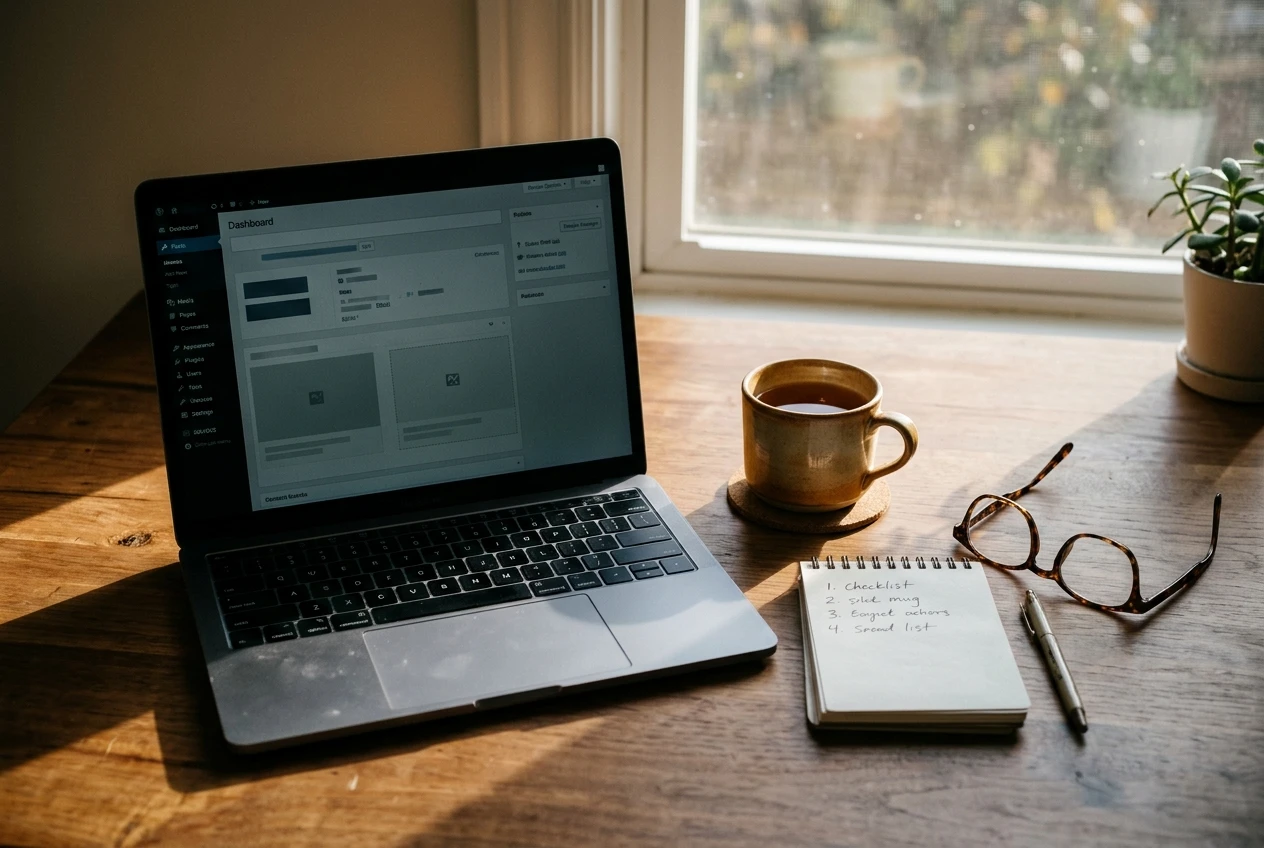
The dashboard, which is the control room you see after logging in, has a long menu down the left side. You will use perhaps four items from it in the first week: Pages, Posts, Appearance and Media. The rest can stay unopened.
Where your site lives: hosting and setup without the jargon
Every website needs a place to be stored so it can be visited at any hour. That storage is called hosting. Think of it as renting space on a computer that stays switched on all the time, so your site is available even when your own computer is off.
Normally, setting this up means choosing a hosting company, buying a plan, connecting an address, and installing WordPress yourself. Those are the steps where beginners tend to get lost, because each one has its own screens and terms.
On Wealthy Affiliate, the platform takes care of the hosting and the setup. You choose what to call your site, and a working WordPress site is created for you. You do not need to compare hosting plans or install software. That removes the most technical part of the whole project before you have started.
Your site’s address is the web address people type to find you. You will choose its name as part of setup, and a short, easy-to-spell name that hints at your topic works best. If you are still deciding what that topic is, the article on how to choose an affiliate niche after 50 is a good place to settle it before you pick a name.
Picking a look: choosing a theme you won’t regret
A theme is the design layer of your site. It controls the fonts, colours, layout and the way your menu is arranged. You can change it later without losing your writing, so this decision is less permanent than it feels.
You find themes under Appearance, then Themes. You can preview any of them on your own site before you switch it on, so you see your real pages rather than a showroom photo.
For a first site, these points matter most:
- Readability. Choose clear, fairly large text on a plain background. Your readers may be your own age, and small grey type on a coloured background tires the eyes.
- Simplicity. A theme with a clean layout and few options gives you fewer decisions to make. A theme with dozens of settings invites you to tinker for days.
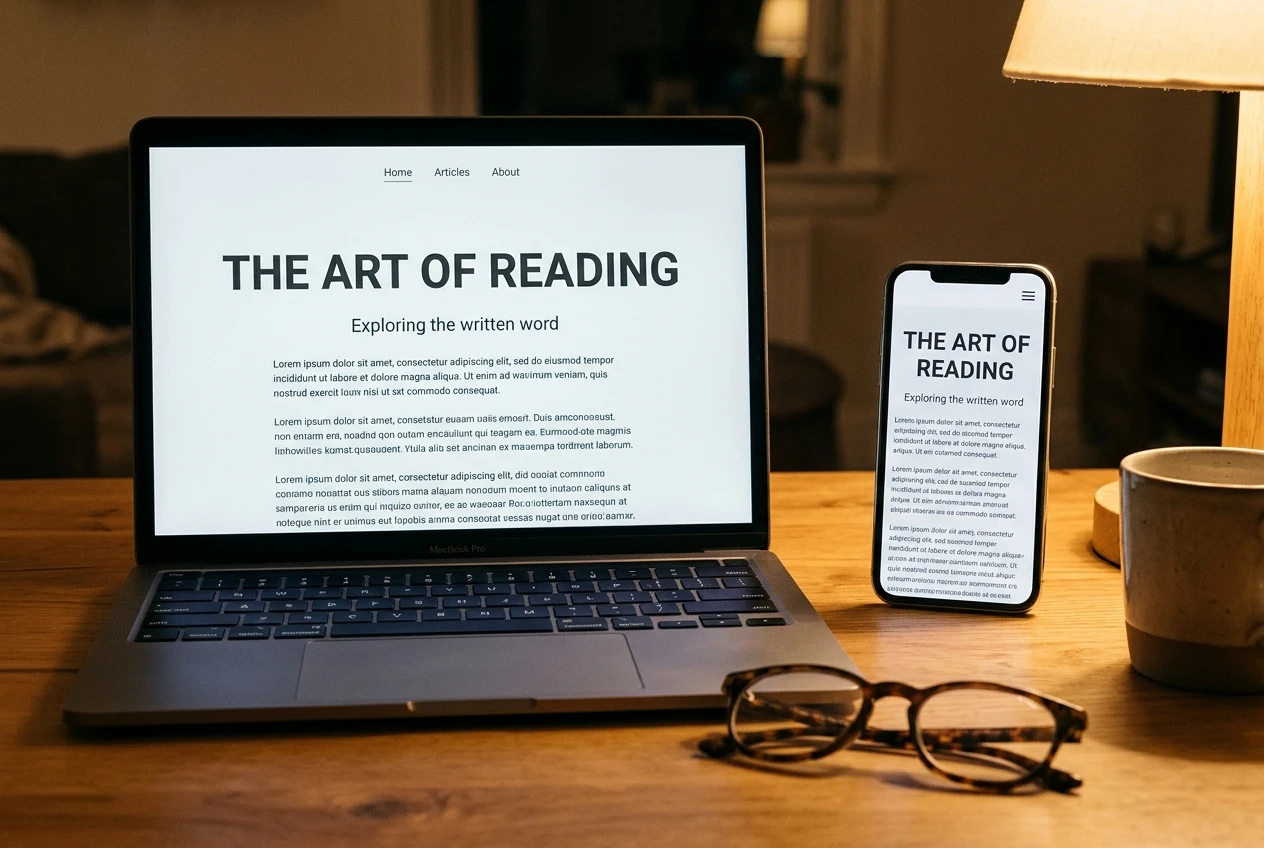
- Mobile display. Most visitors will arrive on a phone. Use the preview’s phone view, or open your site on your own phone, and check that the text is easy to read and the menu is easy to tap.
- Good reviews and recent updates. The theme listing shows how many people use it and when it was last updated. A widely used, recently updated theme is the safer choice.
Pick one that looks pleasant and move on. Spending three evenings comparing themes is time taken from writing, and the writing is what makes the site useful.
Your first pages: the handful you really need before anything else
Before you write a single article, a site needs a few basic pages. They tell visitors who you are and give them somewhere to go. Under Pages, then Add New, you can create each one the same way you would type a letter.
- Home. A short welcome that says who the site is for and what they will find. Two or three paragraphs are enough.
- About. A page about you and why this topic matters to you, written only with what is true for you. Keep it short and plain. You can see how a simple one reads on this site’s About page.
- Contact. A way for readers to reach you. WordPress can add a simple contact form, or you can give an email address.
- Privacy policy and disclosure. If your site will include affiliate links, readers should be told, and many countries have rules about how. Check the requirements where you live and state clearly on the site that you may earn a commission from links. WordPress creates a draft privacy policy page for you, which you can edit.
Once these exist, you can add your first posts. If you want help with that stage, affiliate content creation for beginners covers how to approach it.
What to do when you get stuck or think you’ve broken something
Sooner or later something will look wrong. A page will vanish, a menu will move, or text will appear in an odd size. Almost all of these have simple causes and simple fixes.
Start with the easy undo steps:
- Press Ctrl and Z (Command and Z on a Mac) right after a mistake to reverse it in the editor.
- Open the page’s revision history from the editor’s settings panel and restore an earlier version.
- Look in the Trash under Pages or Posts if something seems to have disappeared.
- Reload the page, or log out and back in. Many display glitches clear this way.
If none of that works, stop and ask. Take a screenshot of what you see, write down what you were doing just before it happened, and post both in the Wealthy Affiliate community. Questions from beginners are normal there, and a clear description with a screenshot usually gets a quick, useful answer. Asking early also saves you from trying fixes that make things worse.
It helps to know that a site which is not yet published, or has no visitors, cannot embarrass you. Nobody is watching a brand-new site, so you have room to experiment, make mistakes and fix them privately.
Your first week plan: small daily sessions that add up to a live site
You do not need long stretches at the computer. Forty-five minutes a day is enough, and shorter sessions work if that suits your day better. Here is one way to spread the work across a week.
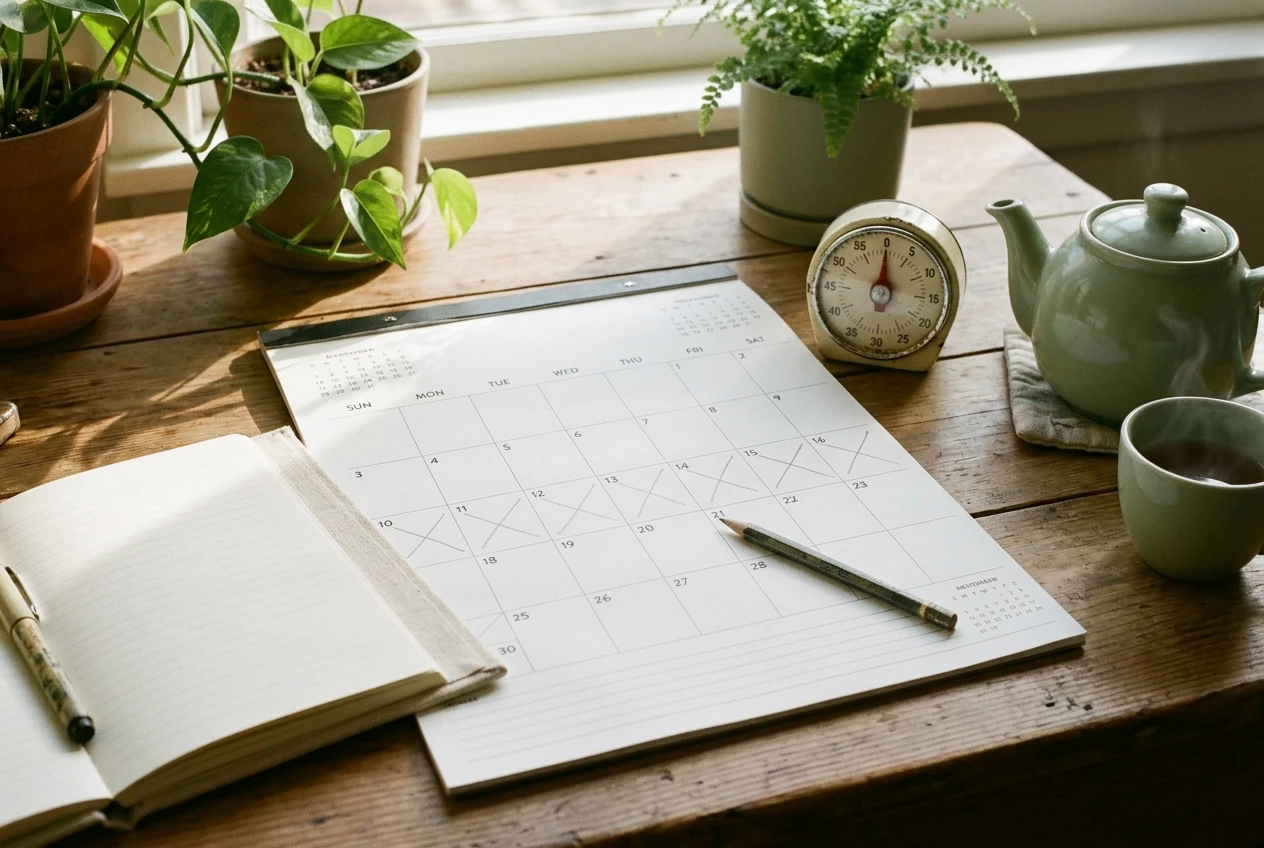
Day 1: Create the site. Choose a name and let the platform set up the hosting. Log in to the dashboard and look around without changing anything.
Day 2: Choose a theme. Preview three or four, pick the one that is easiest to read, and activate it.
Day 3: Write the Home page. Two or three short paragraphs for the reader you have in mind. Publish it.
Day 4: Write the About page. Keep to what is true and relevant, and stop when you have said enough.
Day 5: Add the Contact page and the privacy and disclosure pages. These are quick, and they make the site complete.
Day 6: Set up the menu. Under Appearance, then Menus, add your pages so visitors can move between them. Then view the site on your phone.
Day 7: Draft your first post. It does not have to be published today. Write it, read it aloud once to catch awkward sentences, and save it.
At the end of the week you will have a live site with its main pages, a working menu and a first article in progress. If a day takes two sessions, that is fine. The order matters more than the speed.
Start building alongside people who have done it
If you would like to try this, you can start a free Wealthy Affiliate account and build your first site alongside the community. There is no deadline and no need to be technical. You can go at whatever pace suits your week, and the community is there when a question comes up. [Disclosure: this article contains an affiliate link to Wealthy Affiliate. If you join through it, I may earn a commission at no extra cost to you.]
If you are still deciding whether this is the right path for you, read where to start with extra income after 50 when everything online looks overwhelming first. Come back to this walk-through when you are ready to build.